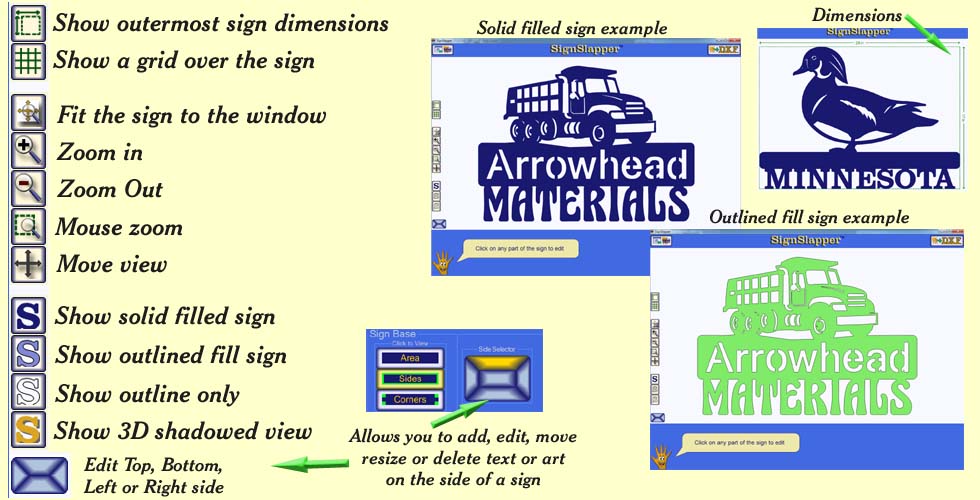
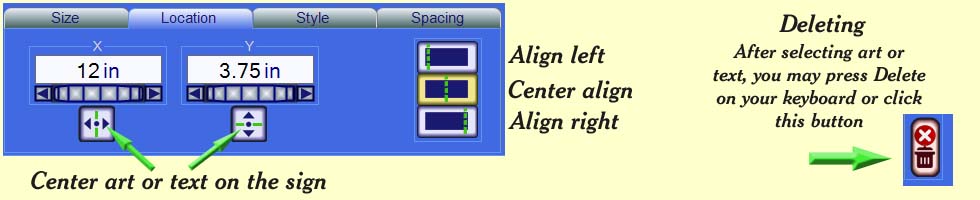
SignSlapper Controls
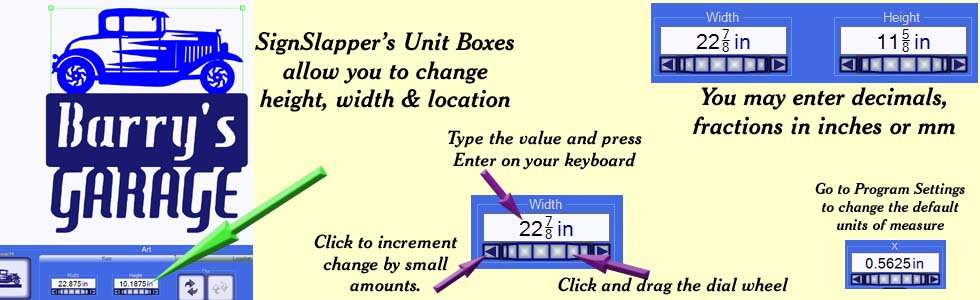
Unit Boxes:
SignSlapper has specialized unit boxes to adjust the sizes.
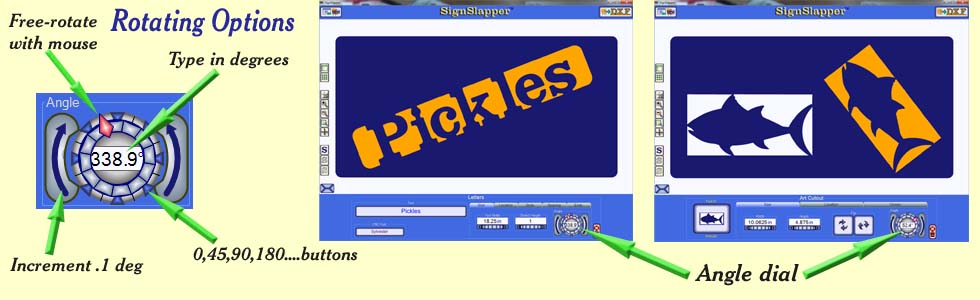
The Angle Dials are available for cutout art, T-Bot text, and Stencil text only. When you click on one of these in your sign, you will see the angle dial at the bottom of the screen under the Size tab
You can instantly flip art on a sign. Text cannot be flipped.
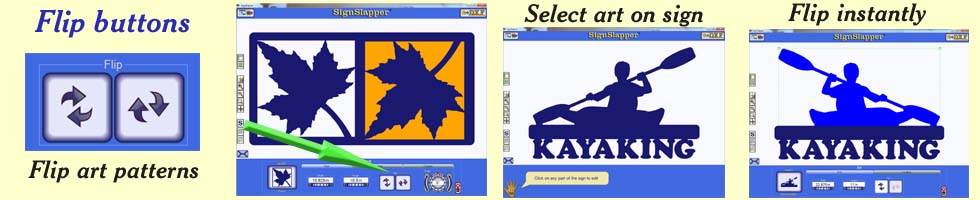
The side buttons appear to the left of your sign